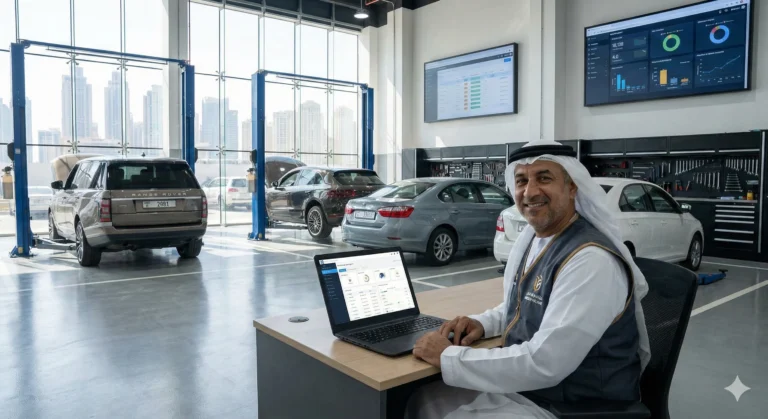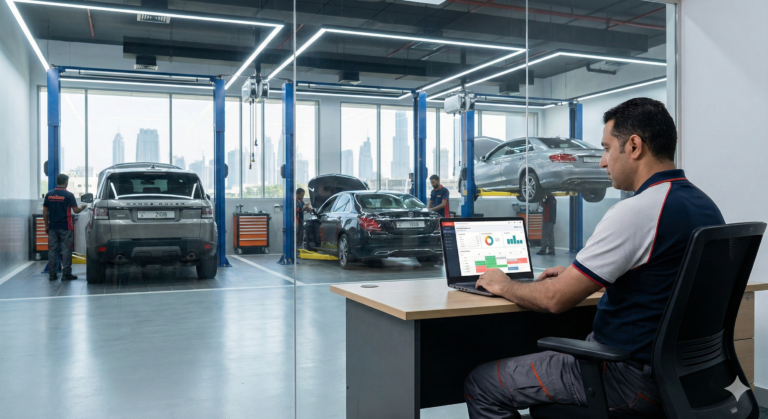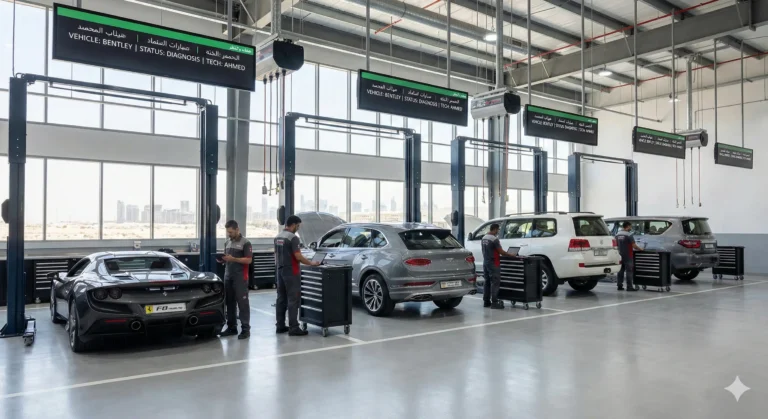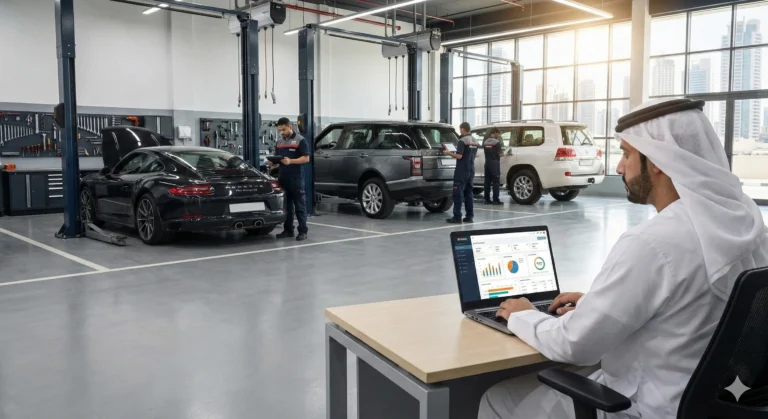

The right workshop management software can transform your auto garage, but how you prepare your workshop before a software demo determines the value you get from it. Many garage owners and managers walk into demos unprepared, missing the chance to ask crucial questions or see if the software truly fits their needs. With the right workshop software demo preparation, you can avoid common pitfalls, save time, and make a confident, informed decision.
Understand Your Current Workshop Challenges
Before you even schedule a demo, take time to identify your daily operational challenges. This step ensures you’re clear on what you need the software to solve.
- List recurring pain points, such as:
- Manual or paper-based job cards
- Delays in billing and invoicing
- Inventory mismatches
- Scheduling conflicts or missed jobs
- Lack of real-time reporting
- Define your goals: What do you want the software to fix or improve?
- Prioritize your needs to stay focused during the demo.
List Your Must-Have Features
Not all workshop management systems offer the same capabilities. Make a checklist of features you can’t compromise on, such as:
- Digital job cards
- Technician and bay tracking
- VAT or tax-compliant billing
- Inventory and parts management
- Detailed reports and dashboards
- Customer communication tools
Having this list will help you assess whether the software is a good fit and prevent you from getting distracted by “shiny” extras.
Gather Basic Workshop Information
Vendors can personalize your demo experience if you provide them with key details about your auto workshop:
- Number of bays and technicians
- Average daily number of jobs
- Your current billing method
- Inventory size and parts categories
Sharing this info upfront helps the demo team show you exactly how their system would work in your real environment.
Prepare Real Questions for the Demo
Arrive at your garage software demo with a list of tailored questions. This keeps the discussion practical and ensures you don’t forget to address critical topics. Some examples:
- How does the software handle job tracking and technician assignments?
- Is billing fully compliant with local tax and VAT rules?
- How long does setup and onboarding take?
- What kind of training and support is included?
- Can it integrate with existing systems or tools?
Invite the Right People to the Demo
A workshop software demo is a team decision. Make sure you include:
- The workshop owner or decision maker
- Service manager or front desk supervisor
- Lead technician (if possible)
Different team members will spot issues and ask questions you might overlook. Their buy-in also makes adoption smoother.
What to Observe During the Demo
While watching the demo, focus on:
- Ease of use: Is the software intuitive?
- Speed: How quickly can you complete common tasks?
- Workflow fit: Does it match the way your garage actually operates?
- Reporting: Can you easily generate and understand reports?
- Support and training: What resources are available post-purchase?
Common Mistakes to Avoid
Steer clear of these errors to get the most from your auto workshop software demo checklist:
- Attending without clear goals or questions
- Letting only one person join the demo
- Focusing only on price, not value
- Ignoring compliance or integration needs
- Not following up with additional questions
Frequently Asked Questions
Most demos last between 30 and 60 minutes, depending on your questions and the system’s complexity.
Yes. Having sample job cards, billing info, and basic workshop stats ready will make the demo more relevant.
Absolutely! It’s recommended to include anyone who will use or manage the system.
Most reputable vendors offer free demos. Always confirm with the provider.
Conclusion: Book Your Demo with Confidence
Preparing your workshop before a software demo ensures you get answers to your real problems, see the features that matter, and make a smart investment for your garage’s future. Use the auto workshop software demo checklist above and approach your next demo with clarity and confidence.