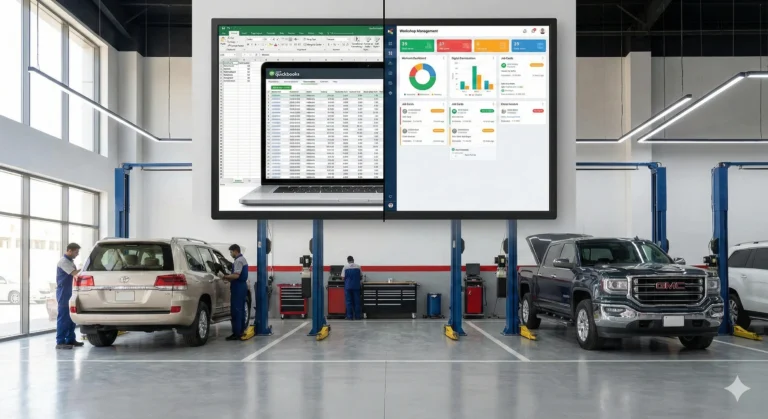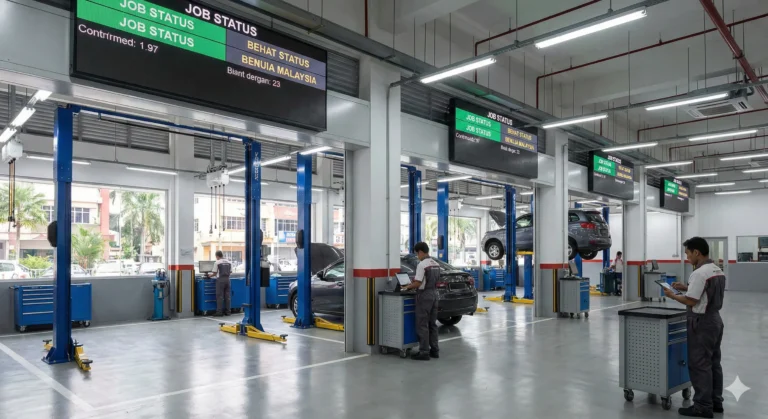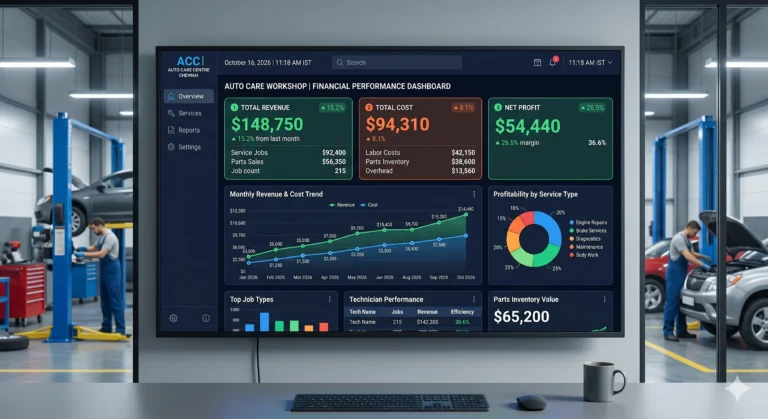

Migrating from Excel to a modern workshop management system can transform your business operations, making them more efficient and scalable. This guide outlines the phases of migration, staff training, common pitfalls, and answers to frequently asked questions—helping you make a seamless transition.
Why Move from Excel to Workshop Software?
- Streamline job cards, bays, and technician scheduling
- Simplify billing and reporting
- Improve accuracy and reduce manual errors
- Enhance team collaboration
- Grow with scalable technology
Phase 1–3: Preparation, Data, and Configuration
- Assess Your Current System:
- List all tasks currently managed in Excel
- Identify pain points and inefficiencies
- Data Migration Planning:
- Clean up existing data (remove duplicates, correct errors)
- Map Excel columns to fields in your new software
- Choose which historical data to import
- Configuring the New System:
- Set up job cards, workshop bays, and technician profiles
- Customize billing and reporting templates
Phase 4: Team Training & Adoption
Technician Training
- Hands-on sessions using real job cards
- Practice updating job progress and time logs
- Troubleshooting common issues
Front-Desk Training
- Managing bookings and customer records
- Generating invoices and receipts
- Navigating dashboards and reports
Phase 5: Go-Live & Transition
- Run live jobs through the new system
- Avoid using Excel and the new software in parallel
- Assign go-to support contacts for quick help
Phase 6: Optimization After Migration
- Use built-in reports and analytics to spot trends
- Adjust workflows based on team feedback
- Schedule periodic reviews to ensure continued improvement
Common Mistakes to Avoid
- Data Overload: Import only what you need; archive the rest
- Poor Staff Onboarding: Invest time in thorough training
- Lack of Support: Assign internal champions and leverage vendor resources
FAQ Section
Most migrations are completed in 1–2 weeks, depending on data volume and team readiness.
With proper planning and backups, risks are minimal. Always test data imports before going live.
Some systems allow phased migration, but using parallel systems can cause confusion. A full switch is recommended.
Conclusion & Call to Action
Migrating to modern workshop software offers major benefits:
- Faster job scheduling and billing
- Fewer manual errors
- Better reporting and business insights
- Improved team collaboration
Ready to simplify your workshop operations? Book a demo of modern workshop software to see how easy migration can be.