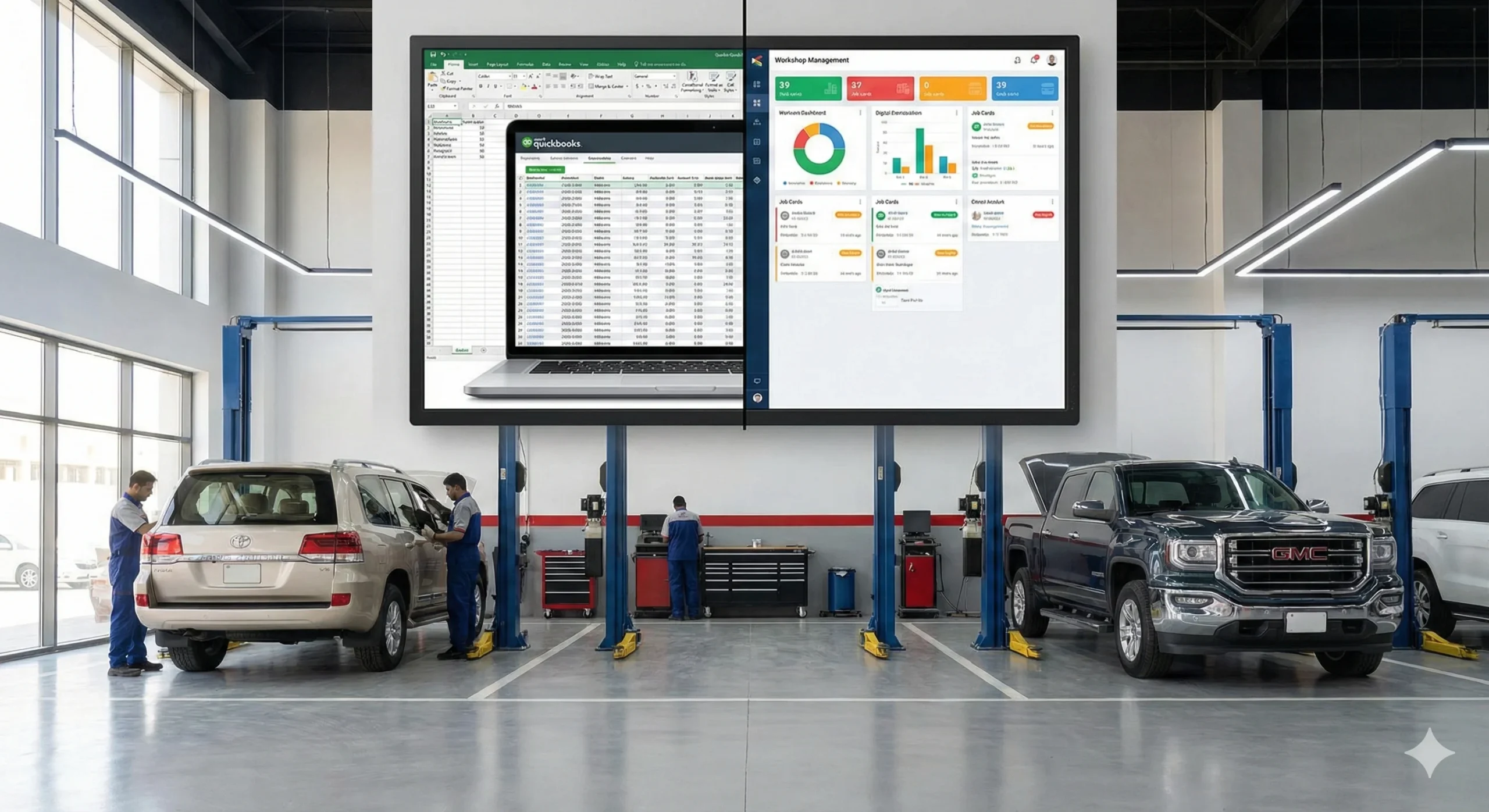
Are you running a small or mid-sized auto workshop and feeling limited by QuickBooks? While QuickBooks for auto repair shops covers basic accounting, it often lacks features essential for efficient workshop management. From handling multiple service bays to tracking digital job cards for workshops, many garages find themselves needing more. If you’re planning to upgrade, this garage software migration checklist will walk you through a smooth transition.
Phase 1: Pre-Migration Preparation
- Audit Your QuickBooks Usage
- List all current processes handled in QuickBooks.
- Identify gaps, such as job tracking or inventory management, not fully supported.
- Clean and Verify Data
- Remove duplicate or outdated customer records.
- Ensure all financial entries are accurate.
- Back up your QuickBooks data before starting the migration.
- Define Migration Goals
- Set clear objectives, like improving efficiency or automating reporting.
- Decide which processes you want to overhaul with automotive workshop software.
Phase 2: Data to Export
- Customer Records: Contact details, service history, outstanding balances.
- Financial Data: Invoices, payments, tax records, and account summaries.
- Inventory and Service Lists: Parts on hand, supplier details, and standard labor rates.
Actionable Tip: Export data in common formats (CSV, Excel) for easier import into your new workshop management system.
Phase 3: Choose the Right Workshop Software
- Key Features to Look For:
- Digital job cards for workshops
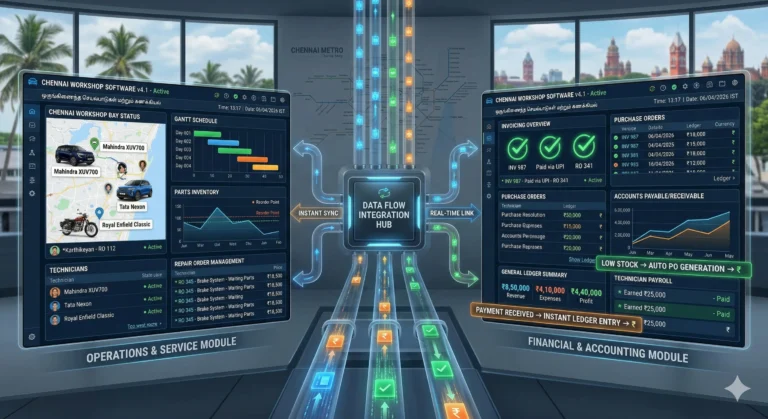
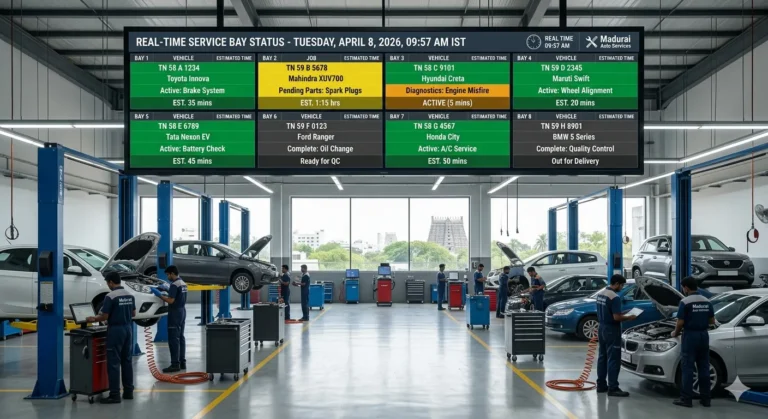
- Multi-bay tracking and technician management
- Automated reporting and analytics
- VAT/GST compliant billing
- Ease of Use and Onboarding
- Look for intuitive dashboards and training resources.
- Check if the provider offers onboarding support or a free demo.
Phase 4: Migration & Setup
- Import Data
- Upload customer, financial, and inventory data into your new automotive workshop software.
- Configure Workshop Settings
- Set up service bays, assign technicians, and adjust tax rates.
- Customize digital job cards to match your workflows.
- Run Parallel Testing
- Operate both QuickBooks and the new system for a week.
- Verify that all data migrated correctly and processes work as expected.
Phase 5: Team Training & Go-Live
- Train Your Staff
- Schedule hands-on sessions for your team.
- Use real-life examples to practice creating job cards and invoices.
- Notify Customers
- Let your clients know about improved service tracking and billing.
- Set Final Switch Date
- Pick a go-live date and stick to it for a smoother transition.
Phase 6: Post-Migration Optimization
- Monitor Performance
- Track key metrics like job turnaround time and revenue.
- Automate Reporting
- Set up scheduled reports for sales, inventory, and technician productivity.
- Collect Team Feedback
- Regularly ask your staff for input to fine-tune workflows.
FAQs
QuickBooks is designed for accounting, not operational management. Managing multiple bays is easier with a workshop management system.
Most garages complete the process in 1–2 weeks, depending on data volume and team size.
Most modern automotive workshop software includes built-in VAT/GST billing features.
Absolutely. Even small teams gain efficiency, better tracking, and happier customers by migrating from QuickBooks to workshop software.
Conclusion
Migrating from QuickBooks to workshop software is a strategic move that empowers your auto workshop to streamline operations, reduce errors, and provide a better customer experience. With the right preparation, you can make the transition hassle-free, ensuring your team adapts quickly and your customers notice the difference. Don’t let outdated accounting tools hold your garage back—dedicated automotive workshop software puts you in control of every aspect of your business, from digital job cards to real-time reporting and compliance.
Take the next step toward efficiency and growth. Book a free demo of workshop software today and see how your workshop can thrive with the right tools.